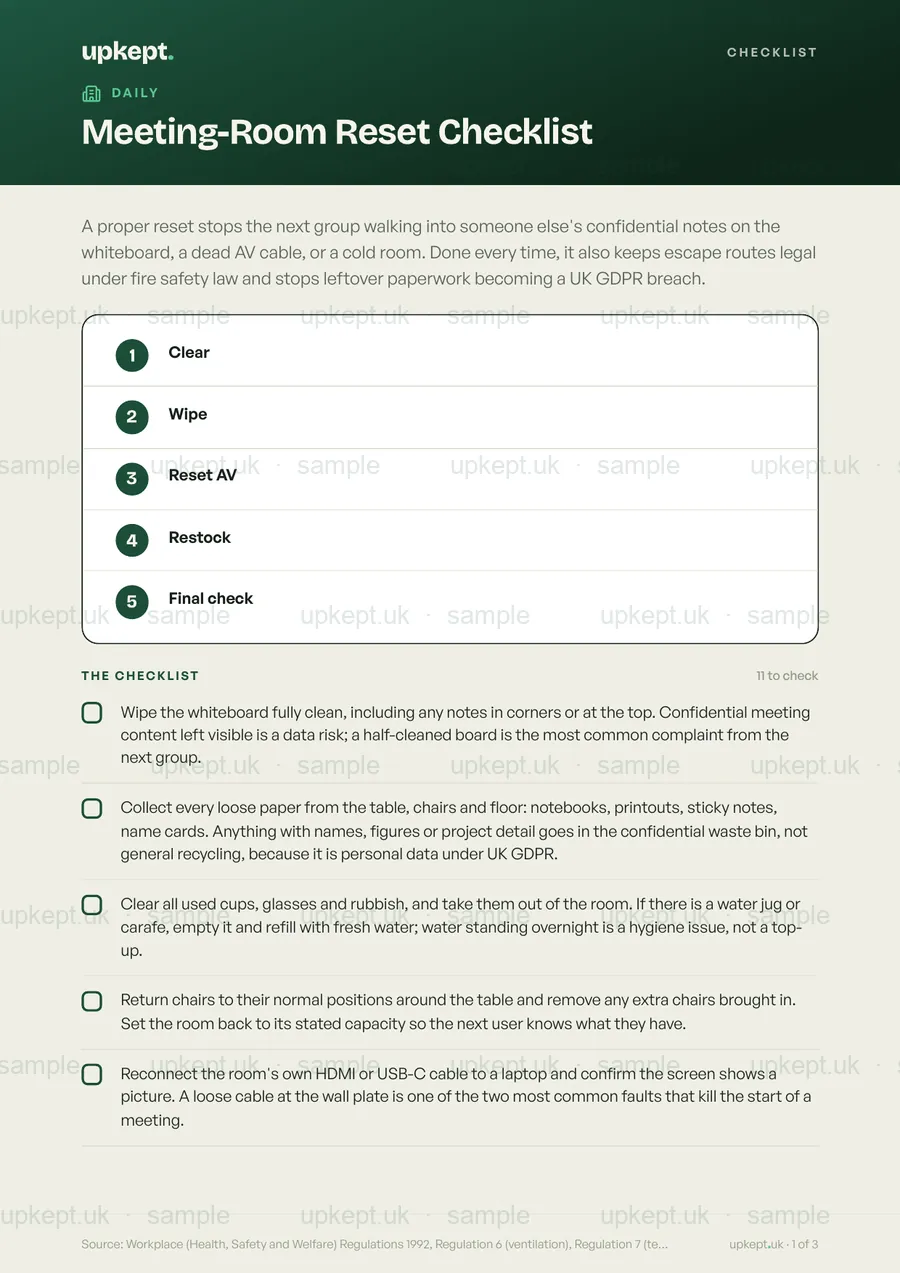
A proper reset stops the next group walking into someone else's confidential notes on the whiteboard, a dead AV cable, or a cold room. Done every time, it also keeps escape routes legal under fire safety law and stops leftover paperwork becoming a UK GDPR breach.
11 checksPDF + phoneReviewed August 2026
Built on published UK guidance Show sources
Workplace (Health, Safety and Welfare) Regulations 1992, Regulation 6 (ventilation), Regulation 7 (temperature), Regulation 22 (wholesome drinking water); HSE Approved Code of Practice and Guidance L24 (workplace health, safety and welfare), 16 degrees C minimum for sedentary work and the 5 to 8 litres per second per person fresh-air supply rate; Regulatory Reform (Fire Safety) Order 2005, Article 14 (escape routes kept clear), with the 750mm minimum usable width drawn from BS 9999 / Approved Document B fire-safety guidance; UK GDPR Article 5(1)(f) (integrity and confidentiality of personal data).
£14one-off, yours forever
Replaces a DIY doc, and you get every future update free when the guidance changes.
3 for 2 on documents and packs. Add 3 and your cheapest is free.
A clean one-page PDF, ready to print
Opens and ticks off on any phone
Clear, no jargon, easy to follow
Free updates whenever the guidance changes
Secure checkout30-day money-backInstant downloadNo subscriptionCard & Apple Pay
Best valueSave 42%
Or get all 56 templates
The Everything Bundle: every template today and every future one.£399 one-off, instead of £686 bought separately.
Made for places like this
What’s on it
11 things to check.
Everything that matters, nothing that does not. Here is the full list, exactly as it appears on the template.
1Wipe the whiteboard fully clean, including any notes in corners or at the top. Confidential meeting content left visible is a data risk; a half-cleaned board is the most common complaint from the next group.
2Collect every loose paper from the table, chairs and floor: notebooks, printouts, sticky notes, name cards. Anything with names, figures or project detail goes in the confidential waste bin, not general recycling, because it is personal data under UK GDPR.
3Clear all used cups, glasses and rubbish, and take them out of the room. If there is a water jug or carafe, empty it and refill with fresh water; water standing overnight is a hygiene issue, not a top-up.
4Return chairs to their normal positions around the table and remove any extra chairs brought in. Set the room back to its stated capacity so the next user knows what they have.
5Reconnect the room's own HDMI or USB-C cable to a laptop and confirm the screen shows a picture. A loose cable at the wall plate is one of the two most common faults that kill the start of a meeting.
6Test the AV remote or controller: press power off then on, and confirm it responds. Flat batteries in the remote are the other common first-ten-minutes failure; swap them now if it is sluggish.
7Switch the display or projector off (not standby) and put the remote, clicker and any adaptors back in the room's designated tray. Kit left running for hours overheats and goes missing.
8Check the room feels at least 16 degrees C. The HSE Approved Code of Practice (L24) sets 16 degrees C as the minimum comfortable temperature for seated office work; if it reads below that on the thermostat, adjust the controls and log it.
9If the air smells stale, open a window or confirm the ventilation or HVAC is running. Regulation 6 of the Workplace Regulations requires fresh air, and HSE guidance puts the supply at 5 to 8 litres per second per person; a sealed room fills with CO2 over a long meeting.
10Check the route from the door to the nearest corridor exit is completely clear: no chairs against the door, no bags or flip-chart stands in the gangway. The Fire Safety Order requires escape routes kept clear at all times, with a usable width of at least 750mm.
11Log any fault you found (flat remote, loose cable, broken blind, flickering screen, dried-out marker) in the facilities app straight away, before the room is booked again. A fault reported late is far less likely to be fixed before the next meeting.
Good to know
The 16 degrees C minimum for seated office work is HSE Approved Code of Practice guidance (L24), not a hard legal number, but it carries quasi-legal weight: in a prosecution under the Workplace Regulations, if you cannot show you met it or achieved the same comfort another way, a court can treat that as evidence you were at fault. There is no legal maximum workplace temperature in the UK; the law only requires "reasonable steps" when it gets too hot, which in practice means fans or adjusted hours, not a fixed ceiling.
Source: Workplace (Health, Safety and Welfare) Regulations 1992, Regulation 6 (ventilation), Regulation 7 (temperature), Regulation 22 (wholesome drinking water); HSE Approved Code of Practice and Guidance L24 (workplace health, safety and welfare), 16 degrees C minimum for sedentary work and the 5 to 8 litres per second per person fresh-air supply rate; Regulatory Reform (Fire Safety) Order 2005, Article 14 (escape routes kept clear), with the 750mm minimum usable width drawn from BS 9999 / Approved Document B fire-safety guidance; UK GDPR Article 5(1)(f) (integrity and confidentiality of personal data).
Good to know
Questions, answered
What is the Meeting-Room Reset Checklist?
A proper reset stops the next group walking into someone else's confidential notes on the whiteboard, a dead AV cable, or a cold room. Done every time, it also keeps escape routes legal under fire safety law and stops leftover paperwork becoming a UK GDPR breach.
Why does it matter?
The 16 degrees C minimum for seated office work is HSE Approved Code of Practice guidance (L24), not a hard legal number, but it carries quasi-legal weight: in a prosecution under the Workplace Regulations, if you cannot show you met it or achieved the same comfort another way, a court can treat that as evidence you were at fault. There is no legal maximum workplace temperature in the UK; the law only requires "reasonable steps" when it gets too hot, which in practice means fans or adjusted hours, not a fixed ceiling.
How do I get it, and is it up to date?
The PDF downloads the moment you check out, prints sharp in black and white, and opens on any phone. It is reviewed for August 2026 and you get any future update free when the official guidance changes.
This checklist stops the two failures that close kitchens: food sitting in the danger zone (8 to 63 degrees C) long enough for bacteria to multiply, and staff working from memory instead of a record an Environmental Health Officer can read back. A weak opening compromises food before the first order; a rushed close lets fridges drift, pests settle, and yesterday's record go unsigned.
A proper opening check, done before the first customer or the first food is touched, is your strongest defence against a poor Food Hygiene Rating, a customer falling ill, or an enforcement notice. The Environmental Health Officer scores how well you manage safety every day, not just on inspection day, so a signed daily record that proves you check temperatures, allergens and sickness exclusion is what protects the rating and the business.
A closing checklist stops the overnight failures that trigger enforcement notices, voided insurance claims, and food poisoning: fridges drifting above 8C unnoticed, hot food cooled too slowly, gas left on, fire exits blocked, and cash left out. These are the specific things an EHO inspector or an insurer's loss adjuster looks for, and the closing record is the proof you did them.