Sample pages of the actual document, watermarked. The download is clean.
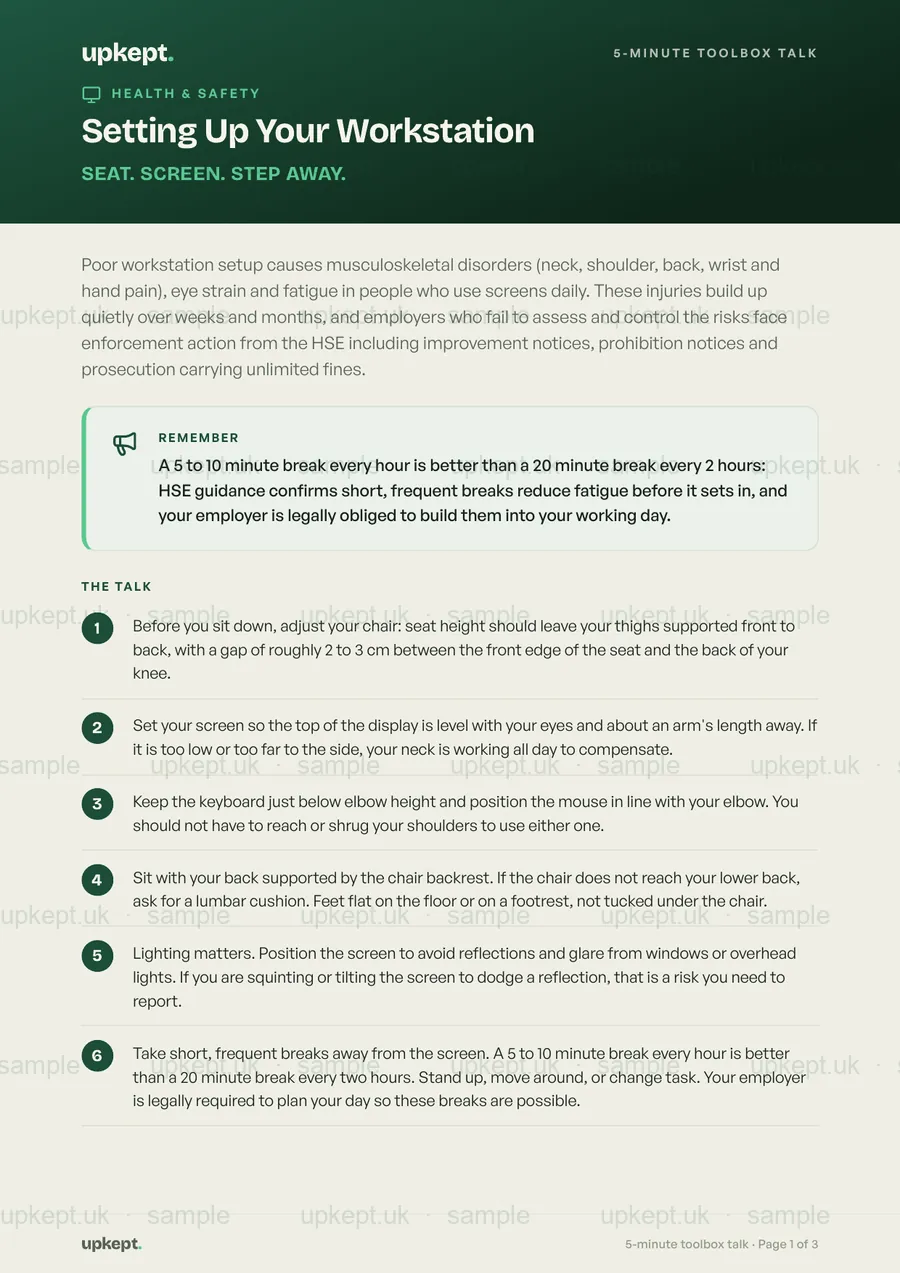
Setting Up Your Workstation
Neck, shoulder, back, wrist and hand pain from a badly set up workstation builds over weeks. The Health and Safety (Display Screen Equipment) Regulations 1992 require an assessment for every habitual screen user, and the HSE enforces it with improvement notices.
30-day money-back guarantee.
- A script to read out, no prep needed
- Questions to check the team understood
- What the law says, in clear terms
- A printed sign-off sheet, your training record
The talk
What you say, in order.
Read it out as it is, or make it your own. Either way the team hears the same thing, every time.
- 1Before you sit down, adjust your chair: seat height should leave your thighs supported front to back, with a gap of roughly 2 to 3 cm between the front edge of the seat and the back of your knee.
- 2Set your screen so the top of the display is level with your eyes and about an arm's length away. If it is too low or too far to the side, your neck is working all day to compensate.
- 3Keep the keyboard just below elbow height and position the mouse in line with your elbow. You should not have to reach or shrug your shoulders to use either one.
- 4Sit with your back supported by the chair backrest. If the chair does not reach your lower back, ask for a lumbar cushion. Feet flat on the floor or on a footrest, not tucked under the chair.
- 5Lighting matters. Position the screen to avoid reflections and glare from windows or overhead lights. If you are squinting or tilting the screen to dodge a reflection, that is a risk you need to report.
- 6Take short, frequent breaks away from the screen. A 5 to 10 minute break every hour is better than a 20 minute break every two hours. Stand up, move around, or change task. Your employer is legally required to plan your day so these breaks are possible.
- 7Report any discomfort early, whether it is a sore wrist, aching neck or blurred vision. Under the DSE Regulations your employer must take action on risks identified at your workstation and must arrange an eye test if you ask for one.
- 8If you work on a laptop, use a separate keyboard and mouse and raise the screen to eye level with a stand or books. A laptop flat on a desk forces your neck down and your shoulders up all day.
Ask the team
- ?What would you adjust first at your workstation when you sit down, and how would you know it is set up correctly?
- ?If you started getting pain in your wrists or neck after a few weeks in this job, what would you do and who would you tell?
- ?Why does taking a 5 to 10 minute break every hour matter more than waiting for a longer break every couple of hours?
What the law says
Employers must assess, control and train
The Health and Safety (Display Screen Equipment) Regulations 1992 (SI 1992/2792), as amended by SI 2002/2174, require employers to carry out a suitable and sufficient workstation assessment for every DSE user, reduce risks identified to the lowest extent reasonably practicable, plan the working day so users get breaks or changes of activity, provide an eye test on request, and give adequate health and safety training. The Schedule to the Regulations sets out minimum requirements for the screen, keyboard, desk, chair, lighting, glare control, noise, heat and software. Failure to comply is a criminal offence enforced by the HSE, with prosecution carrying unlimited fines under current sentencing guidelines.
Source: Health and Safety (Display Screen Equipment) Regulations 1992 (SI 1992/2792), Schedule and Regulations 2 to 7; as amended by the Health and Safety (Miscellaneous Amendments) Regulations 2002 (SI 2002/2174). HSE Approved Code of Practice and Guidance L26 (Work with display screen equipment).
Before you buy
Questions people ask first
What is the "Setting Up Your Workstation" toolbox talk?
Neck, shoulder, back, wrist and hand pain from a badly set up workstation builds over weeks. The Health and Safety (Display Screen Equipment) Regulations 1992 require an assessment for every habitual screen user, and the HSE enforces it with improvement notices.
What does the law say?
Employers must assess, control and train. The Health and Safety (Display Screen Equipment) Regulations 1992 (SI 1992/2792), as amended by SI 2002/2174, require employers to carry out a suitable and sufficient workstation assessment for every DSE user, reduce risks identified to the lowest extent reasonably practicable, plan the working day so users get breaks or changes of activity, provide an eye test on request, and give adequate health and safety training. The Schedule to the Regulations sets out minimum requirements for the screen, keyboard, desk, chair, lighting, glare control, noise, heat and software. Failure to comply is a criminal offence enforced by the HSE, with prosecution carrying unlimited fines under current sentencing guidelines.
How do I run it, and does it count as training?
Read it out in about five minutes, ask the team the questions, and everyone signs the attendance sheet. That sign-off is your evidence of training under the Health and Safety at Work etc. Act 1974, section 2. Reviewed for October 2026.